Process

How the BIMBROS.io workflow actually runs

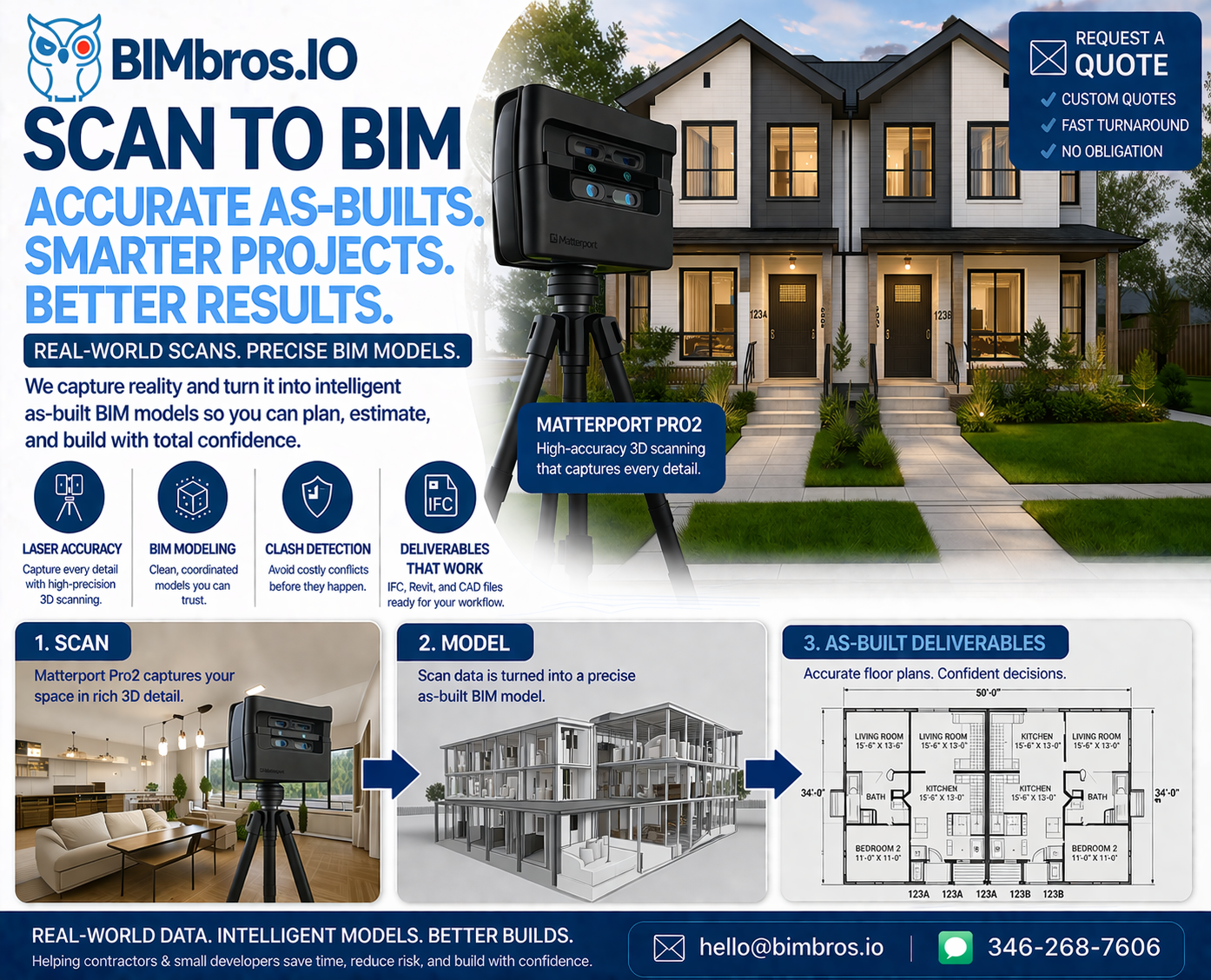
This is the same whether we’re doing a virtual tour, permit plans, or renders. One engine. Three outputs.

REALITY → DIGITAL TWIN → OUTPUTS
Capture once, reuse everywhere: tours, plans, and renders all come from the same scan.
1
Step 1 · Start here
Book & define scope
Address, estimated size, what you need (tour, permit, render, or combo), and how we’ll access the space.
2
Step 2 · Site visit
On-site scan
We scan the property with Matterport and, where needed, extra LiDAR passes. One visit covers everything.
3
Step 3 · Clean geometry
Digital twin
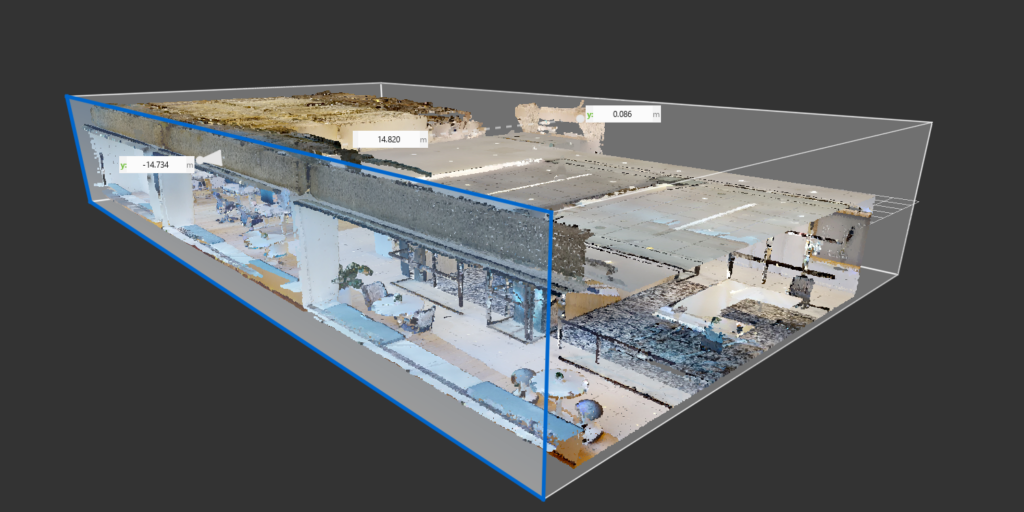
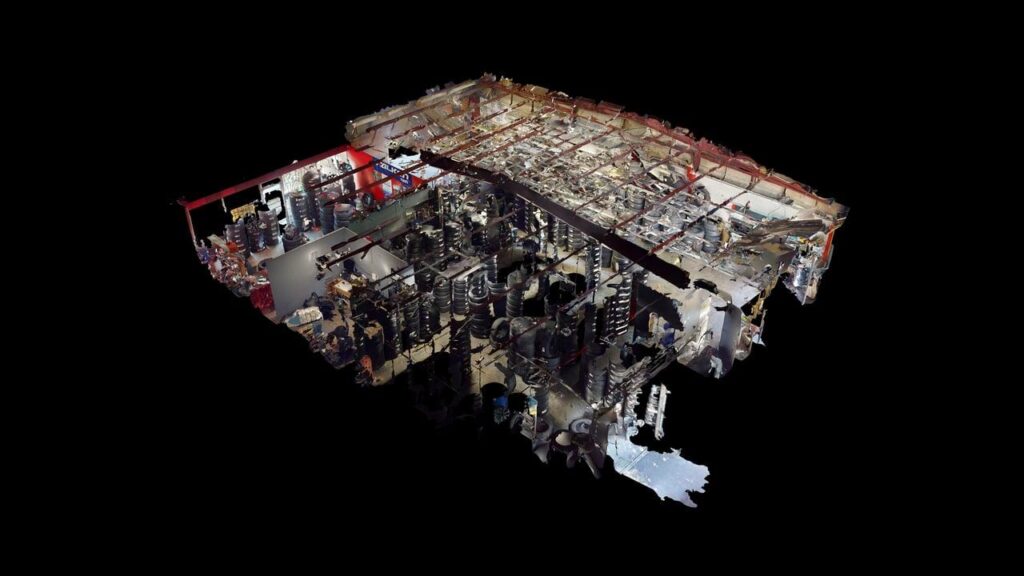
The raw data is processed into a clean 3D model in the cloud – this becomes our single source of truth.
4
Step 4 · Build deliverables
Service-specific build
We create your virtual tour, permit plans, and/or renders directly from that model so nothing is guessed.
5
Step 5 · Hand-off
Delivery & support
We send you links and files, explain what each one is for, and stay available if your GC or engineer has questions.

Why this workflow is better than “just a guy with a tape”

The value isn’t in the gadget. It’s in the fact that the tour, the plans, and the renders all come from the same data.

Risk you avoid

What you avoid

  • Multiple trips back to the site for “just one more measurement.”
  • HOA or city questions because drawings don’t match the actual house.
  • Contractors arguing over what was existing versus what is new.
  • Redlines and RFIs triggered by missing or assumed dimensions.
  • Paying twice: once for bad drawings, once to get them fixed.
Fewer RFIs Less rework
Value you keep

What you get every time

  • A full 3D model of the property, not just a rough floor plan.
  • A virtual tour link you can send to anyone involved.
  • Still images for reference, listing, or presentations.
  • Measured drawings or models when you order permit plans or BIM.
  • A clean starting point for architects, engineers, and GCs.
Real-world accuracy GC & engineer friendly